Utilities
Practical PDF tools for Windows users
PDF Box Cutter
Split PDFs with intelligent naming

What It Does
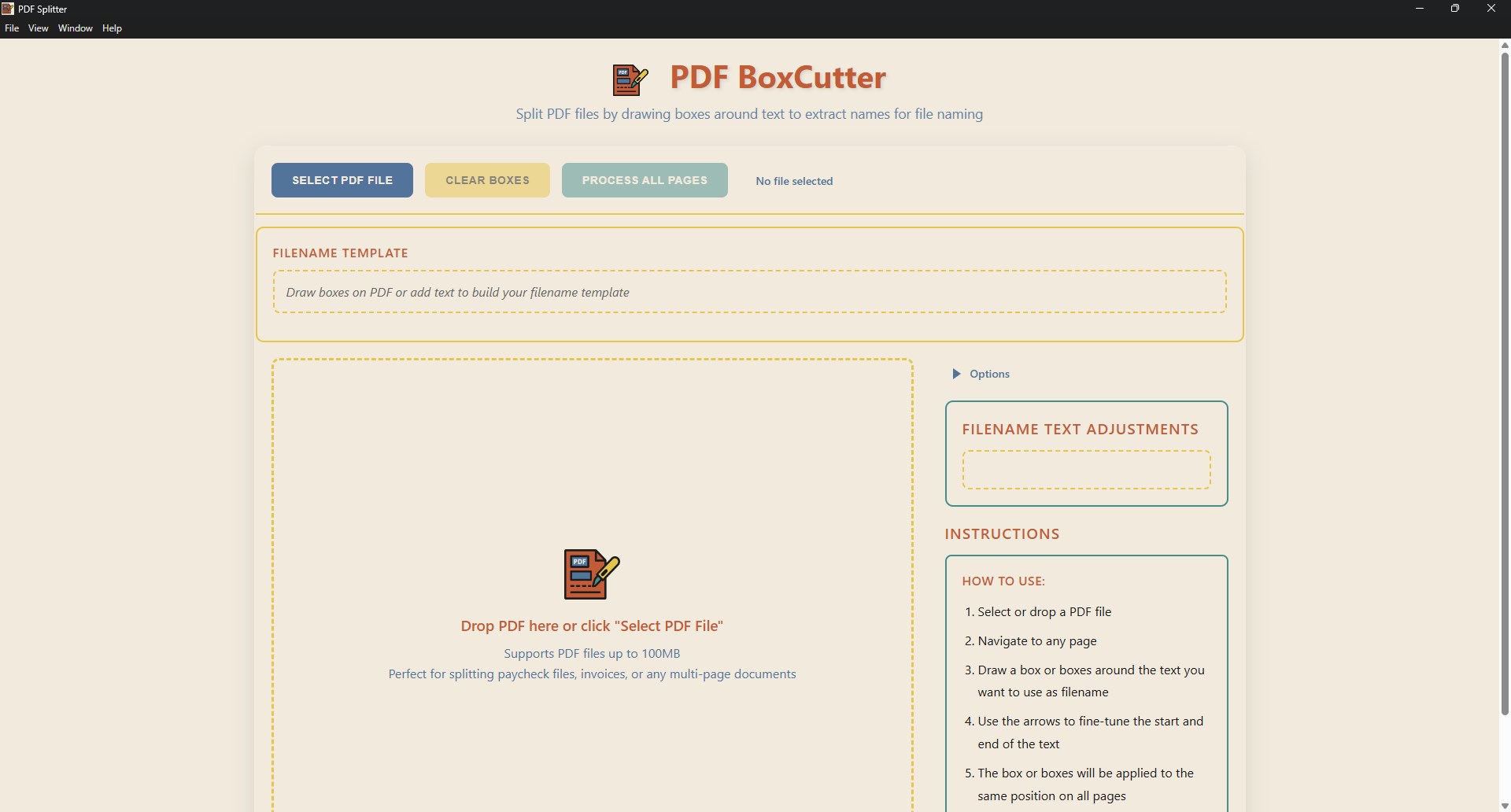
Split PDFs into individual files and name them using text on each page — perfect for pay stubs, invoices, reports, and more.
Simply draw boxes around text elements on your PDF pages, and PDF BoxCutter will extract that text to automatically generate descriptive filenames for each split page. The intuitive drag-and-drop interface makes it easy to load files and create custom filename templates by combining extracted text with your own custom text elements.
Whether you're organizing financial documents, processing batch invoices, or splitting any repetitive multi-page PDFs, PDF BoxCutter saves you hours of manual work with its automated text extraction and intelligent file naming system.
PDF X-Ray
Make PDFs searchable with OCR
What It Does
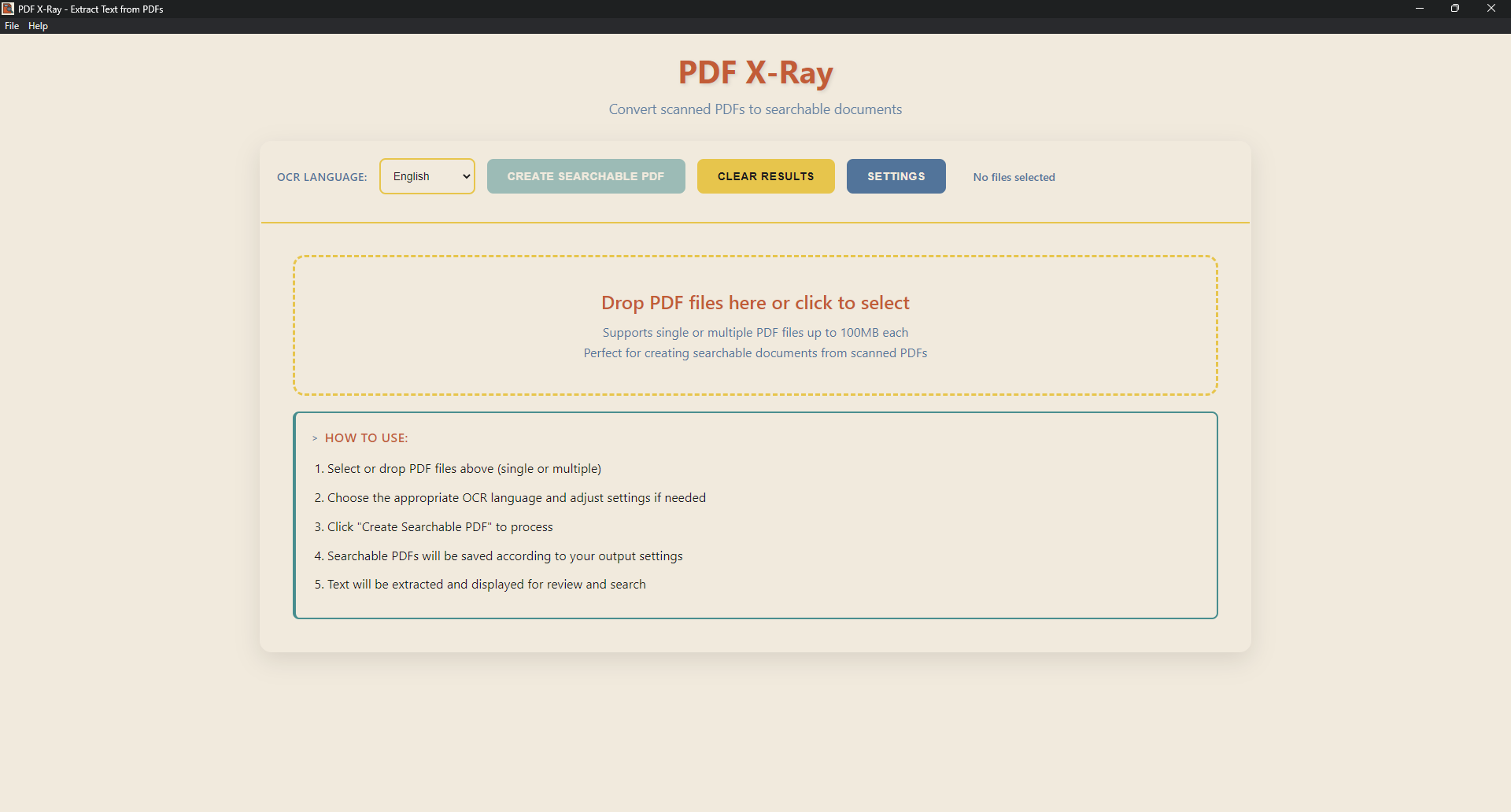
PDF X-Ray is a simple utility that converts scanned or image-based PDFs into fully searchable PDFs using OCR (Optical Character Recognition).
The app focuses on doing one thing well: making your PDF text searchable and selectable.
You can control how the output file is created, including where it is saved and the file name format.
PDF X-Ray is completely free and works entirely on your computer — no ads, no accounts, no uploads.